

Getting fibre internet at home is one of the best decisions you can make for your
household. But with great connectivity comes great responsibility especially
when children and elderly family members are involved. Here is your family-friendly
guide to a safer home network.
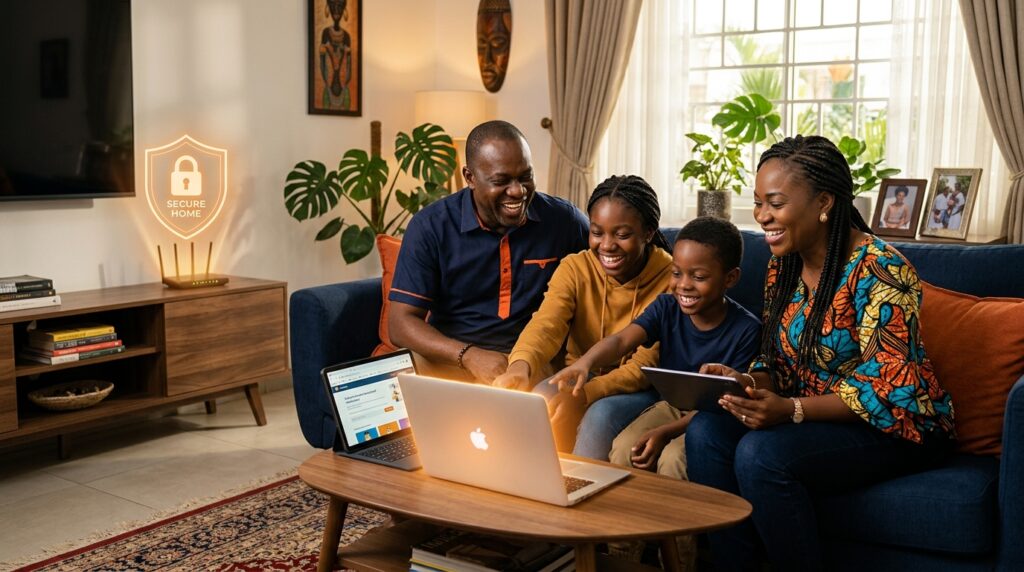
Many of our customers tell us that what finally pushed them to get proper home internet was the need to work from home, or their children needing reliable internet for school. We love hearing this. A connected home is a home with more opportunities. But a connected home also needs to be a safe one. This guide is for the whole family.
For Parents: Setting Up a Safe Home Network
Your home router is more powerful than most people realise. Beyond just connecting you to the internet, it can be configured to protect every device in your home.
Here’s what to do:
Change Your Default Router Password
When your router was installed, it came with a default Wi-Fi password printed on the side. That password works, but it is not the most secure option. Create a new Wi-Fi password that is at least 12 characters long and not something obvious like your address or phone number. While you’re at it, also change the router’s admin password the one you use to log into the router settings page (usually at 192.168.1.1).
Create a Separate Wi-Fi Network for Children’s Devices
Most modern routers support a ‘guest network’ feature a separate Wi-Fi network running on the same connection. Put children’s devices on the guest network and your work and banking devices on your main network. This way, even if a child accidentally downloads something harmful, it cannot spread to your work laptop or access your financial information.
Use Parental Controls
Many routers have built-in parental control features that let you restrict what websites can be accessed from your home network, set time limits on internet usage, and even block the internet entirely during homework or bedtime hours. If your router doesn’t have this feature, apps like Google Family Link (for Android) and Screen Time (for iPhone) give you control over your children’s individual devices.
Have an Open Conversation About Internet Safety
Technology is only one layer of protection. The most important protection is a child who knows what to watch out for. Talk to your children about not sharing personal information online, not accepting friend requests from strangers, telling a parent immediately if something online makes them uncomfortable, and being careful about what they click on or download.
For Students:
Getting the Most Out of Your Home Internet
Whether you’re in secondary school or university, your Syscodes connection is a powerful academic
tool if you use it right.
- Use legitimate academic resources: Google Scholar, ResearchGate, and your institution’s online
library are far more valuable than random websites for serious academic work. - Be careful about plagiarism: Copying content from the internet and submitting it as your own is
plagiarism. Many Nigerian universities now use plagiarism detection software. Always cite your
sources. - Protect your school accounts: Your school email and learning management system login are
valuable. Use a strong, unique password and never share your login details with classmates. - Watch out for ‘free answer’ websites: Sites offering exam answers, project solutions, or
assignments for download are often loaded with malware and can expose your device to serious
security risks. - Manage your screen time: Fast internet makes it very easy to lose hours to social media and
video content. Use apps like Forest or Freedom to block distracting sites during study hours.
For Older Family Members: Staying Safe From Scams
Older Nigerians are frequently targeted by online scammers because they may be less familiar with
how the internet works. If you have elderly parents or relatives using your home internet, share these
simple rules with them